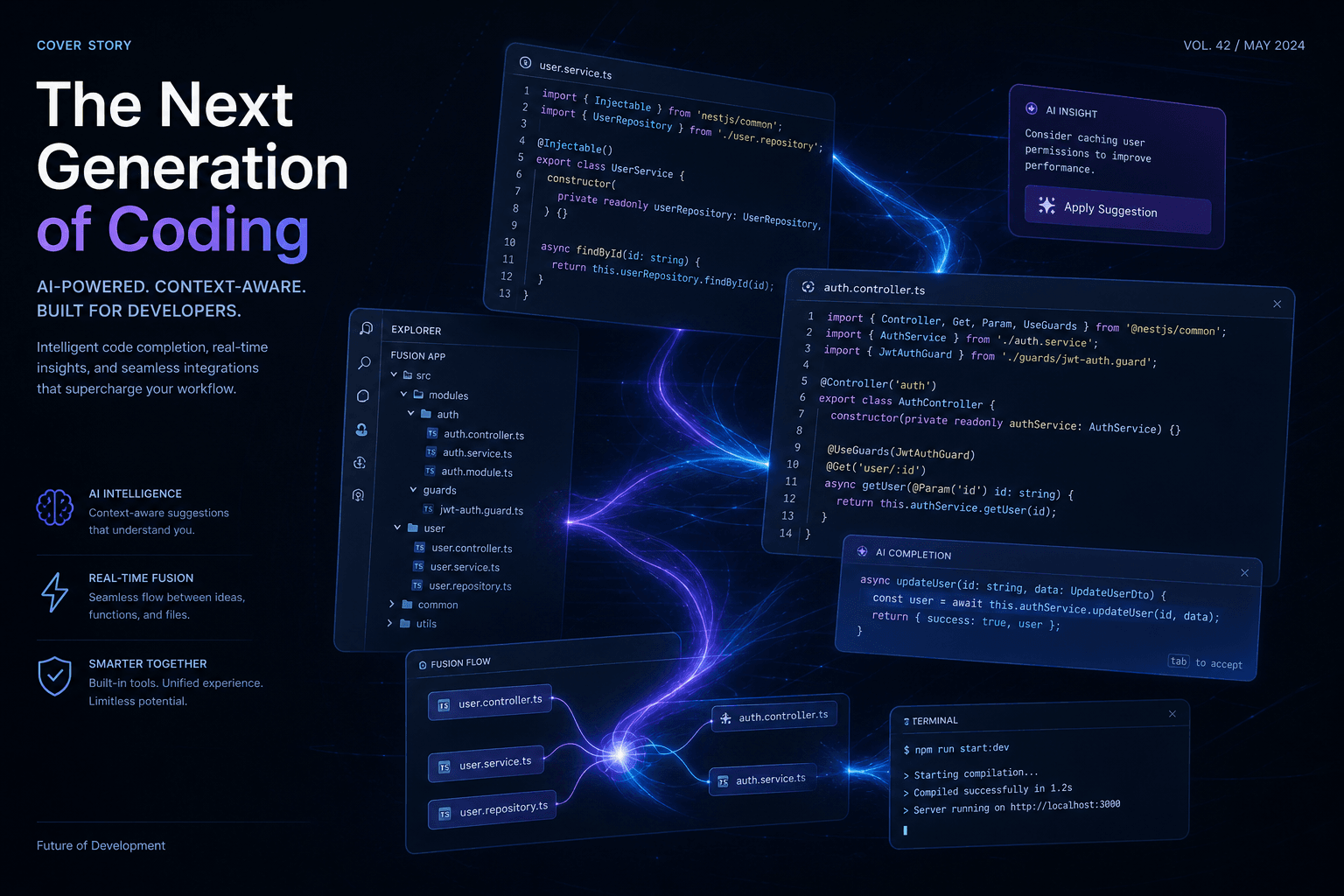
Cursor 0.45 + Agent Tab GA: The January Release Cycle Begins

Table of Contents
Cursor 0.45 + Agent Tab GA: The January Release Cycle Begins #
Cursor opens 2025 with its most ambitious release cycle yet, headlined by version 0.45's Fusion Tab Model, the .cursor/rules configuration system, and the general availability of the Agent tab that previewed in late 2024. This January release represents more than incremental improvement—it signals Anysphere's bet that autonomous agent workflows will become the primary interface for AI-assisted development, not merely a side feature.
The timing aligns with broader shifts in the AI coding assistant landscape. After a year of rapid iteration that saw Cursor raise $60 million at a $400 million valuation and capture significant developer mindshare, the company is now positioning for the next phase: making AI agents production-ready for everyday development. Version 0.45 delivers the infrastructure for that transition.
Table of Contents #
- What Cursor 0.45 Delivers: The Headlines — The five features that matter most
- Fusion Tab Model: The Technical Leap — Latency reduction and context expansion
- The .cursor/rules System: Configurable Intelligence — Repository-level agent customization
- Agent Tab General Availability — From preview to primary interface
- Deepseek Model Support: Expanding the Foundation — US-hosted alternatives to Claude
- Improved Codebase Understanding Model — Smarter context retrieval
- Optional Long Context for Premium Models — Trading fast requests for depth
- Composer Evolution: Summarize Previous Sessions — Managing conversation overflow
- Workflow Impact: How 0.45 Changes Daily Development — Practical adoption patterns
- Competitive Positioning Against Claude Code — The emerging agent wars
- The MCP Connection: What Comes Next — Model Context Protocol integration
- FAQ — Direct answers on capabilities, limitations, and migration
What Cursor 0.45 Delivers: The Headlines #
Cursor 0.45 packages five substantial improvements into the first major release of 2025, each addressing a different layer of the AI-assisted development stack—from tab completion latency to autonomous agent workflows. The release demonstrates Anysphere's continued shipping velocity following their August 2024 Series A, with features that span the entire spectrum from micro-optimizations to architectural changes.
| Feature | Category | Impact Level |
|---|---|---|
| Fusion Tab Model | Core editing | High—reduces latency 45%, expands context 2.4x |
| .cursor/rules | Configuration | High—persistent repository-level agent customization |
| Agent Tab GA | Interface/Workflow | Critical—makes agent mode the primary experience |
| Deepseek Support | Model diversity | Medium—adds US-hosted alternatives to Claude/GPT |
| Codebase Understanding | Context retrieval | High—improves multi-file comprehension |
| Optional Long Context | Context management | Medium—user-controlled depth vs. speed tradeoff |
| Composer Summarization | Session management | Medium—solves conversation length limits |
Fusion Tab Model: The Technical Leap #
The Fusion Tab Model represents Cursor's most significant predictive editing upgrade since the original Tab model launched in March 2024, reducing server latency from 475ms to 260ms while expanding context from 5,500 to 13,000 tokens. These numbers translate to immediate workflow improvements: predictions arrive faster, cursor jumps are instant and accurate, and the model handles substantially more complex edit scenarios.
Performance Improvements at a Glance #
| Metric | Original Tab Model | Fusion Tab Model | Improvement |
|---|---|---|---|
| Server latency | 475ms | 260ms | 45% reduction |
| Context window | 5,500 tokens | 13,000 tokens | 2.4x expansion |
| Difficult edit prediction | Baseline | +25% | Significant increase |
| Cursor jump accuracy | Good | Near-instant | Qualitative leap |
What the Context Expansion Enables #
The jump from 5,500 to 13,000 tokens changes what Cursor Tab can consider when generating predictions. Previously, Tab primarily saw the immediate surrounding code—function context, recent edits, and imports. With 13,000 tokens, it can absorb entire component hierarchies, related utility files, and recent changes across multiple modules.
Practical example: When editing a React component, the original model might see the component itself and its immediate imports. Fusion can see the component, its siblings in the same directory, the parent page structure, recent changes to shared hooks, and type definitions across the relevant files—all within the prediction context.
The .cursor/rules System: Configurable Intelligence #
Cursor 0.45 introduces a .cursor/rules directory where developers can write repository-level rules that the Agent automatically selects based on context, replacing the single .cursorrules file with a more powerful, modular configuration system. This upgrade addresses the scaling problem of AI assistant configuration: as projects grow more complex, a single rules file becomes unwieldy and less effective.
How .cursor/rules Works #
Instead of one monolithic configuration file, developers now create multiple rule files within the .cursor/rules directory. Each rule can target specific file types, directories, or workflows. The Agent automatically selects the appropriate rule based on what you're working on—no manual switching required.
Example directory structure:
.cursor/rules/
├── frontend-components.md       # React component patterns
├── api-endpoints.md             # Backend route conventions
├── testing-standards.md         # Test file requirements
├── database-migrations.md       # Migration file templates
└── shared-conventions.md        # Cross-cutting concerns
Rule File Format #
Each rule file follows a simple markdown-based format that the Agent parses:
# Rule: Frontend Component Standards

## Applies to
- `src/components/**/*.tsx`
- `src/app/**/page.tsx`

## Patterns
- Use functional components with explicit return types
- Import order: React, external libs, internal utils, components, styles
- Error boundaries at section level, not page level
- Loading states use Suspense with named fallback components

## Conventions
- Props interface named `{ComponentName}Props`
- Styled components use `styled` prefix
- Event handlers prefixed with `handle` (handleClick, not onClick)
Agent Tab General Availability #
The Agent tab graduates from experimental preview to general availability in Cursor 0.45, marking a fundamental interface shift that positions autonomous agent workflows as a primary development mode rather than a secondary feature. This transition represents Anysphere's conviction that the future of AI-assisted coding involves agents that can plan, execute, and iterate across multiple files with minimal direct supervision.
What Agent GA Changes #
Prior to general availability, the Agent capabilities existed in a preview state within the Composer interface—functional but not fully integrated into the core workflow. With GA, Agent becomes a first-class citizen: a dedicated tab alongside Chat and Composer, with its own optimized interface, tool access, and persistent session management.
| Capability | Preview State (0.44) | GA State (0.45) |
|---|---|---|
| Tab location | Within Composer | Dedicated Agent tab |
| Terminal access | Limited | Full with exit code awareness |
| Context selection | Manual @-mentions | Automatic + @-mentions |
| File editing | Sequential | Parallel multi-file |
| Session persistence | Per-Composer | Cross-session history |
| Linter integration | Basic | Automatic error detection/fixing |
Agent Tool Access in 0.45 #
The GA Agent can access a growing toolkit of development operations:
- Terminal command execution—run build scripts, tests, installations
- Exit code interpretation—understand command success/failure
- Linter error reading—automatically detect and propose fixes
- Recent change awareness—see what you've modified between messages
- Background command execution—run long processes without blocking
- @docs, @git, @web, @folder—rich context sources from the preview period
Deepseek Model Support: Expanding the Foundation #
Cursor 0.45 adds native support for Deepseek R1 and Deepseek V3, self-hosted in the United States as alternatives to Claude and GPT models, giving developers more choice in the underlying intelligence powering their editor. This expansion reflects both the maturation of open-weight models and Anysphere's strategy of offering model diversity rather than vendor lock-in.
Deepseek Model Specifications #
| Model | Strengths | Best For |
|---|---|---|
| Deepseek R1 | Reasoning, code analysis, step-by-step problem solving | Complex debugging, algorithm design, refactoring planning |
| Deepseek V3 | General coding, chat coherence, instruction following | Daily development, feature implementation, documentation |
Why Model Diversity Matters #
Different models excel at different tasks. Claude 3.5 Sonnet remains exceptional for nuanced reasoning and careful code generation. GPT-4o offers broad capability and speed. Deepseek brings competitive performance at different price points and architectural approaches. Having all available within the same editor interface means developers can select the right intelligence for the specific task rather than compromising with a one-size-fits-all approach.
Model Selection Strategy for 0.45 #
| Task Type | Recommended Model | Rationale |
|---|---|---|
| Complex debugging | Claude 3.5 Sonnet | Superior reasoning for root cause analysis |
| Rapid prototyping | GPT-4o | Fast responses for iterative experimentation |
| Algorithm design | Deepseek R1 | Strong step-by-step reasoning capabilities |
| Documentation | Deepseek V3 | Coherent long-form writing |
| Refactoring large files | Claude 3.5 Sonnet + Long Context | Maximum comprehension and coherence |
| Daily feature work | Cursor's default (Claude 3.5 Sonnet) | Balanced performance across use cases |
The self-hosting of Deepseek models in the United States also addresses data residency concerns for teams working with sensitive codebases, ensuring that proprietary code never leaves US jurisdiction during inference.
Improved Codebase Understanding Model #
Version 0.45 ships with a newly trained codebase understanding model being rolled out to all users, designed to improve how Cursor comprehends multi-file relationships and retrieves relevant context across complex project structures. This upgrade targets one of the persistent challenges in AI-assisted development: maintaining coherence when working across dozens or hundreds of related files.
What Better Codebase Understanding Enables #
The improved model enhances several Cursor features:
- @-symbol context building—more accurate identification of related code when you reference a function or class
- Codebase-wide chat—better retrieval of relevant files when asking questions about the entire project
- Agent planning—more intelligent file selection when the Agent proposes multi-file changes
- Composer multi-file edits—better coherence across coordinated changes
Technical Implementation Details #
The new codebase understanding model represents a significant investment in custom model training. Unlike off-the-shelf embeddings, Cursor's approach specifically targets the patterns of software projects: import hierarchies, interface implementations, test coverage relationships, and architectural boundaries. This domain-specific training produces more relevant context retrieval than generic semantic search.
For teams with large monorepos or complex microservice architectures, this improvement is particularly noticeable. The model better distinguishes between similarly-named functions across different services, understands the relationship between API definitions and their implementations, and correctly identifies test files that correspond to implementation changes.
Optional Long Context for Premium Models #
Cursor 0.45 introduces user-controlled long context windows for premium models, allowing developers to explicitly request larger context when tagging long files at the cost of consuming more fast requests. This feature addresses the trade-off between comprehensive context and response speed/availability.
When to Use Optional Long Context #
| Scenario | Recommendation |
|---|---|
| Analyzing a 500-line utility file | Enable long context for full file comprehension |
| Refactoring across 10+ related files | Enable to maintain coherence across the change set |
| Quick edits to small components | Skip—standard context is sufficient |
| Daily feature development | Default to standard; enable only when needed |
The Fast Request Trade-off #
Cursor's pricing model includes a monthly allocation of "fast requests"—API calls that bypass rate limiting and queueing. Optional long context consumes more fast requests per interaction because larger context windows require more compute and tokens. Teams should monitor their usage patterns when enabling this feature for multiple developers.
Conservative approach: Enable long context only when explicitly needed (tagging large files, complex refactors). Liberal approach: Enable by default for power users and adjust quotas accordingly.
Composer Evolution: Summarize Previous Sessions #
The new "Summarize Previous Composers" feature in 0.45 allows developers to start fresh conversations while maintaining reference to previous long sessions, solving the context limit problem that emerges in extended development workflows. When a Composer conversation grows too lengthy, you can now spawn a new session that inherits the summarized context of its predecessor.
How Session Summarization Works #
Rather than losing the accumulated context of a lengthy Composer session—or continuing to push against token limits with degraded performance—the summarize feature creates a compressed representation of what was accomplished, decisions made, and current state. This summary becomes the foundation for the next session.
Use case: After a 50-message Composer session building out an authentication system, you start a new session with summary context that includes: authentication flow decisions, middleware structure, route protection patterns, and remaining tasks—all without the accumulated implementation details that filled the previous session.
Session Management Best Practices #
Long-running Composer sessions inevitably hit context limits or accumulate enough back-and-forth that response quality degrades. The summarization feature provides a clean break point:
- Complete a logical unit—finish the current feature or bug fix before summarizing
- Review the summary—ensure key decisions and patterns are captured
- Start the new session—begin the next logical unit with the summary as foundation
- Archive old sessions—export or document the full conversation if needed for audit purposes
This workflow prevents the "context rot" that affects all AI assistants over long conversations while maintaining project continuity across sessions.
Workflow Impact: How 0.45 Changes Daily Development #
The cumulative effect of Cursor 0.45's features transforms daily development workflows across three dimensions: speed (Fusion Tab Model), consistency (.cursor/rules), and autonomy (Agent GA). Teams adopting 0.45 should expect measurable shifts in how work gets done.
Day-to-Day Workflow Changes #
| Activity | Pre-0.45 Workflow | 0.45 Workflow |
|---|---|---|
| Starting new features | Manual planning, Composer for multi-file | Agent with .cursor/rules for guided implementation |
| Refactoring | Tab for edits, Chat for questions | Fusion Tab for faster predictions, Agent for complex restructures |
| Debugging | Manual terminal + Chat | Agent with terminal access and exit code interpretation |
| Code review | Manual diff review | Inline diff review in Composer + Agent-assisted fixes |
| Onboarding new files | Read codebase, ask questions | Agent with @folder for guided exploration |
Competitive Positioning Against Claude Code #
Cursor 0.45's Agent GA and rule system positions it as a direct competitor to Claude Code's terminal-native agent workflows, with the advantage of an integrated editor experience versus Claude Code's CLI-first approach. The competition between these tools is shaping up as a contest between IDE-integrated agents (Cursor) and terminal-native agents (Claude Code).
Cursor 0.45 vs. Claude Code: January 2025 #
| Factor | Cursor 0.45 | Claude Code |
|---|---|---|
| Agent interface | IDE tab with visual diff review | Terminal/CLI native |
| Rule system | .cursor/rules directory |
.claude/skills + .claude/hooks |
| Context visualization | Inline diffs, file tree | Text-based file listings |
| Editor integration | Native (VS Code fork) | Limited (launches editor for changes) |
| Subagents | Limited parallel file editing | Full subagent spawning |
| MCP support | Early (added 0.45.1+) | Native and mature |
| Best for | Developers in IDE workflows | Terminal-centric developers |
The MCP Connection: What Comes Next #
Cursor 0.45.1 through 0.45.8 added MCP (Model Context Protocol) support, signaling Anysphere's commitment to the emerging standard for connecting AI assistants to external tools, databases, and services. This addition—though shipping in the patch releases following 0.45—represents a strategic alignment with Anthropic's open protocol for AI tool integration.
MCP Integration Potential #
With MCP support, Cursor can connect to:
- Database query tools—direct SQL execution from the editor
- API endpoints—authenticated requests to internal services
- Documentation systems—live access to company wiki/knowledge base
- Version control operations—advanced git workflows beyond basic commands
- Custom internal tools—proprietary services exposed via MCP servers
FAQ #
Q: What is the Fusion Tab Model in Cursor 0.45? #
A: The Fusion Tab Model is Cursor's upgraded predictive editing system that reduces server latency from 475ms to 260ms and expands context from 5,500 to 13,000 tokens. It enables faster, more accurate predictions across larger code contexts.
Q: How do .cursor/rules work? #
A: The .cursor/rules directory lets you create multiple rule files that the Agent automatically selects based on what you're working on. Unlike the single .cursorrules file, this modular system allows different rules for frontend components, API endpoints, tests, and other file types.
Q: Is the Agent tab now the default in Cursor? #
A: Yes, with 0.45 the Agent tab is generally available and positioned as a primary interface alongside Chat and Composer. The Agent can execute terminal commands, read linter errors, and make multi-file edits with greater autonomy than previous versions.
Q: What Deepseek models does Cursor 0.45 support? #
A: Cursor 0.45 supports Deepseek R1 (reasoning-focused) and Deepseek V3 (general coding), both self-hosted in the United States. These can be enabled in Settings > Models as alternatives to Claude and GPT models.
Q: How does the optional long context feature work? #
A: When tagging long files, 0.45 allows you to request larger context windows with premium models. This uses more fast requests but enables comprehensive analysis of large files without truncation.
Q: What is the improved codebase understanding model? #
A: A newly trained model that improves how Cursor retrieves and comprehends context across complex, multi-file projects. It enhances @-symbol resolution, codebase-wide chat, and Agent planning.
Q: How do I migrate from .cursorrules to .cursor/rules? #
A: Convert your existing .cursorrules file into focused rule documents within .cursor/rules/. Each file should target specific patterns (e.g., frontend-components.md for React files) and include "Applies to" sections specifying file globs.
Q: Can the Agent in 0.45 run terminal commands automatically? #
A: Yes, with exit code awareness. The Agent can execute terminal commands, understand success/failure, and propose fixes when commands fail. With "Yolo Mode" enabled, it can auto-run commands without confirmation.
Q: How does Cursor 0.45 compare to Claude Code? #
A: Cursor 0.45 offers IDE-integrated agent workflows with visual diff review, while Claude Code provides terminal-native agent capabilities. Cursor wins for developers who prefer GUI workflows; Claude Code wins for terminal-centric developers needing subagent spawning.
Q: Does Cursor 0.45 support MCP servers? #
A: MCP support was added in subsequent patch releases (0.45.1+), enabling Cursor to connect to external tools, databases, and services via the Model Context Protocol standard.
Q: What happened to Composer in 0.45? #
A: Composer remains available and gains the ability to summarize previous sessions when conversations grow too long. You can start fresh while maintaining reference to accumulated context.
Q: When was Cursor 0.45 released? #
A: Cursor 0.45 was released in January 2025, with the main release followed by patch versions (0.45.1-0.45.13) that added MCP support and various stability improvements.
Closing: The January Release Cycle Context #
Cursor 0.45 arrives as the AI coding assistant landscape enters its most competitive phase yet. After a year of rapid growth and the establishment of AI-native development as a permanent category, the battleground has shifted from "which tool has AI features" to "which tool delivers the most capable, reliable, and customizable agent experience."
Anysphere's bet with 0.45 is clear: configurable intelligence (via .cursor/rules), reduced friction (via Fusion Tab Model), and autonomous capability (via Agent GA) will win over developers who have outgrown simple code completion. The release provides the infrastructure for sophisticated AI-assisted workflows while maintaining the shipping velocity that has characterized Cursor's entire development cycle.
For teams building production systems, the combination of Agent GA and rule-based configuration means Cursor can now act as a consistent, project-aware development partner rather than a generic assistant. The Fusion Tab Model ensures that the micro-interactions—predictions, completions, small edits—remain fast and accurate even as the macro-interactions—multi-file refactors, feature implementations, debugging sessions—grow more complex.
If you're evaluating AI coding assistants for your team in January 2025, 0.45 represents the new baseline. The features shipping this month—particularly the Agent tab's general availability and the .cursor/rules system—aren't incremental improvements. They're foundational shifts that change what an AI editor can realistically accomplish in production development workflows.
Related Reading #
- Cursor Year-End Recap 2024: The IDE That Defined the Year — The complete 2024 journey from seed funding to $400M valuation
- Cursor 0.43 / Composer Matures: The IDE That Keeps Shipping — The November 2024 release that previewed Agent capabilities
- Cursor Composer + o1 Tutorials Go Viral: Behind the October Surge — How Composer became the feature that defined Cursor's viral moment
Ready to implement AI-native development workflows in your organization? Book an AI automation strategy call to discuss how tools like Cursor 0.45, Claude Code, and custom agent architectures can transform your development velocity and code quality.
William Spurlock is an AI automation engineer and custom web designer who helps teams implement production-grade AI development workflows. He writes about AI coding assistants, workflow automation, and the future of developer tooling.
Related Posts
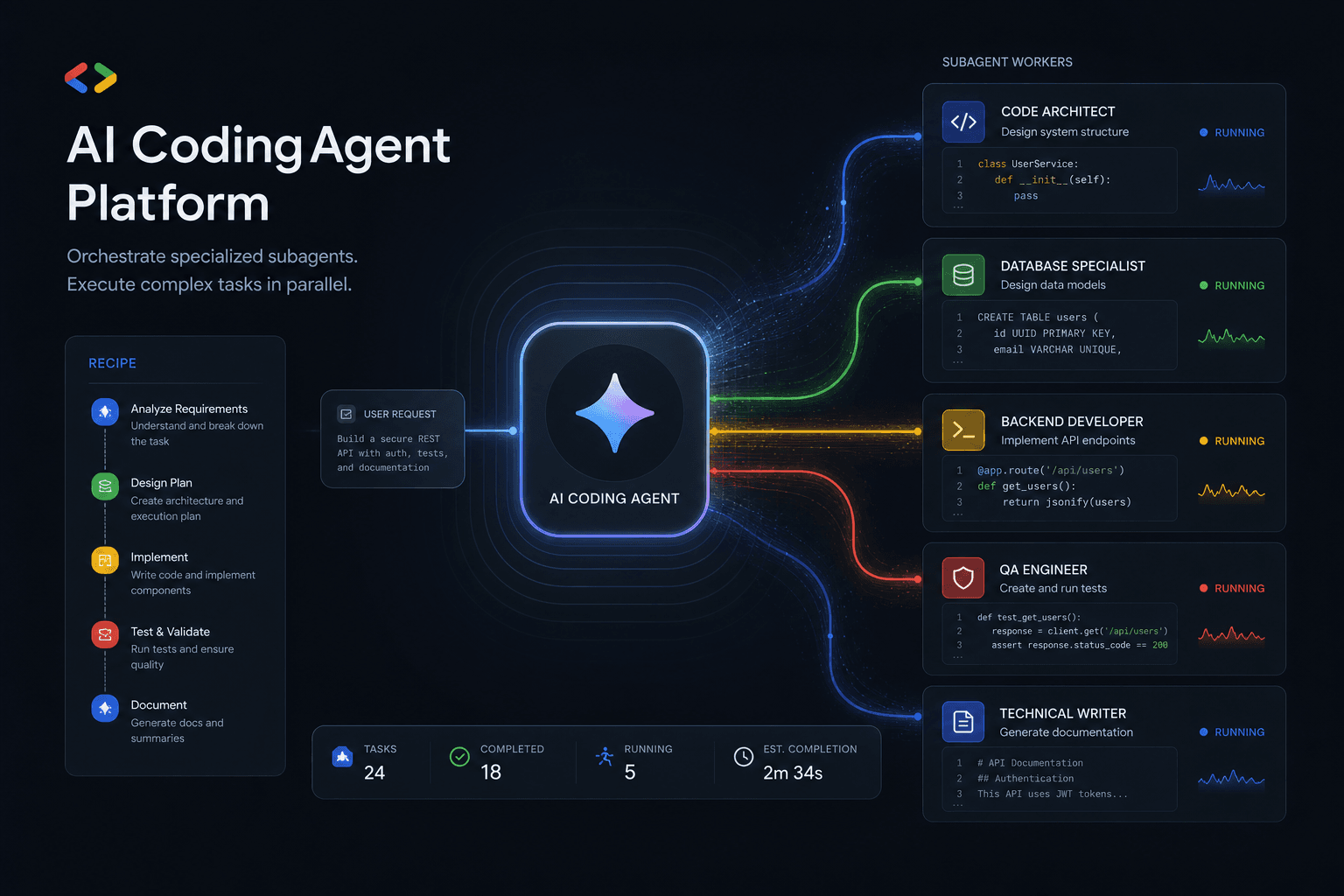
Antigravity 2.0 Subagent Recipes: How I Prompted Multi-Agent Workflows Day One
Five complete subagent recipes for Google Antigravity 2.0 that save 90+ minutes on Day One. From Friday audits to client onboarding, research briefs to migration assistants.
Claude Code Masterclass: Architecting Agentic Workflows, 1M Token Context, and The Death of Manual PR Reviews
Master Claude Code in this definitive 2026 guide. Discover how to use Opus 4.6, multi-agent teams, 1M token context, and automated PR reviews to radically scale your development workflows.

Google Antigravity Agents: The Complete Blueprint to Multi-Agent Orchestration and Enterprise Automation
The complete blueprint for deploying Google Antigravity multi-agent teams integrated with n8n. Build self-healing workflows, autonomous SEO pipelines, and lead gen systems that operate without human intervention.




