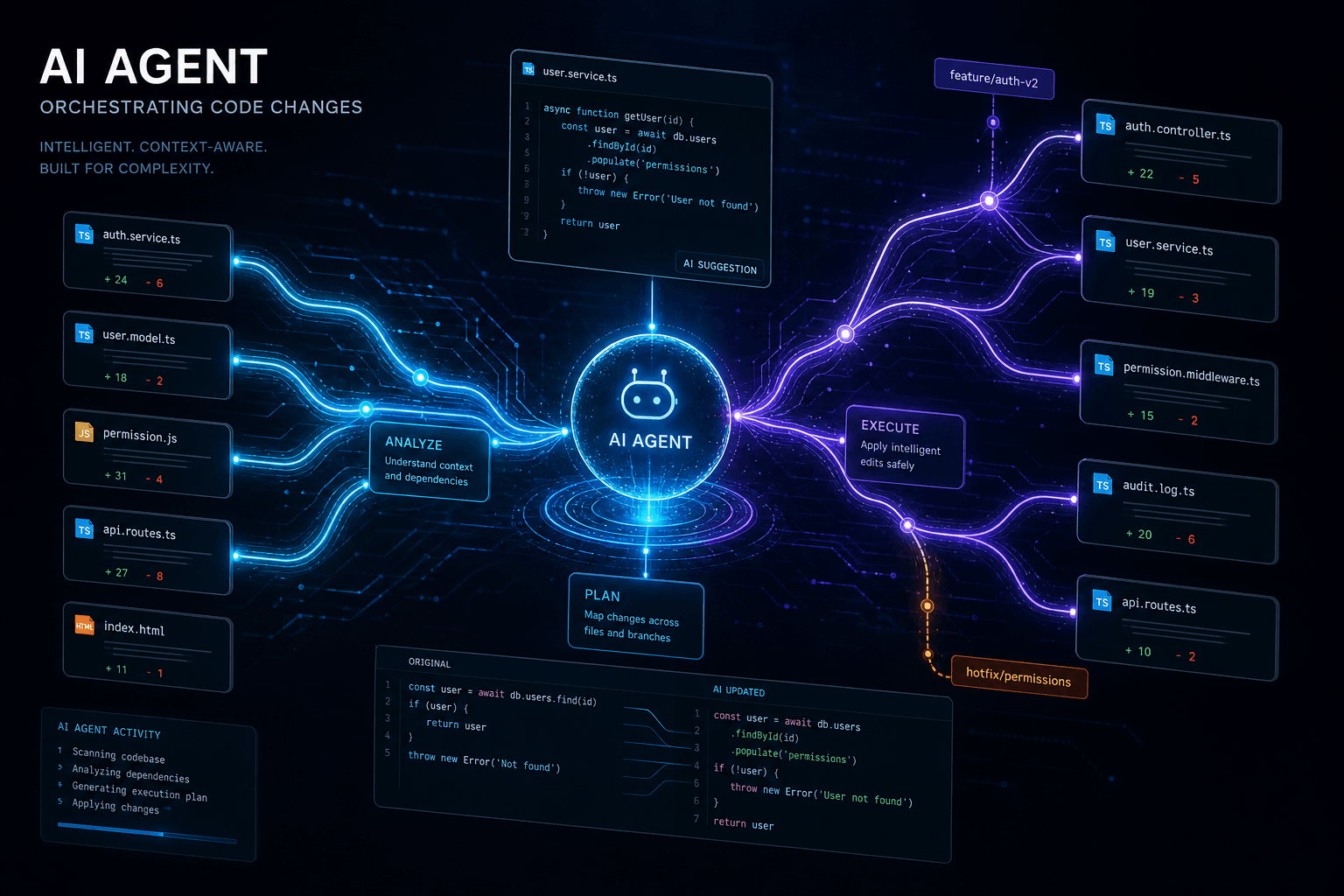
Cursor Composer Agent Improvements: The January Update

Table of Contents
Cursor Composer Agent Improvements: The January Update #
Cursor's January 2025 release cycle deepens the platform's agent capabilities, delivering meaningful improvements to Composer's multi-file orchestration, the Fusion Tab Model's predictive editing, and early MCP integration that positions the editor for the next phase of AI-native development. This update builds on the 0.45 foundation released earlier this month, refining the agent experience while maintaining the shipping velocity that has defined Anysphere's development cadence.
The improvements arriving this January matter for developers who have integrated Cursor into their daily workflows. After the headline features of 0.45—the dedicated Agent tab, .cursor/rules configuration, and the Fusion Tab Model—this mid-month update focuses on stability, performance, and the connective tissue that makes agent workflows truly productive.
Table of Contents #
- What January 2025 Brings to Composer — The scope of this mid-cycle update
- Composer Agent: Enhanced Multi-File Orchestration — Smarter coordination across complex refactors
- Fusion Tab Model: Context Expansion in Practice — What 13,000 tokens enables
- Latency Fixes and Long Session Stability — Quality-of-life improvements for power users
- MCP Support Arrives in Patch Releases — Model Context Protocol integration
- Agent Tab Refinements Post-GA — Iteration after general availability
- Team-Configurable Agent Blocklists — Enterprise governance features
- Composer Session Summarization — Managing conversation overflow
- Deepseek Integration Stability — Alternative model reliability
- Workflow Impact: Daily Development Changes — Practical adoption patterns
- Competitive Positioning: Cursor vs Claude Code — The agent interface wars
- Looking Ahead: What's Next for Cursor — Roadmap implications
What January 2025 Brings to Composer #
The January 16, 2025 update to Cursor delivers targeted improvements to Composer's agent capabilities, addressing stability, performance, and integration gaps that emerged during the initial 0.45 rollout. This is not a headline feature release—it's the refinement cycle that makes headline features production-ready.
The update spans five primary areas:
| Improvement Category | Specific Change | Impact Level |
|---|---|---|
| Composer Stability | Crash fixes for long sessions, "Generating" state resolution | High for power users |
| Latency | Paste operation speed improvements, response streaming optimization | Medium for daily use |
| Agent Orchestration | Smarter multi-file coordination, better context selection | High for complex refactors |
| MCP Integration | Model Context Protocol support in 0.45.1+ patches | High for tool connectivity |
| Enterprise Controls | Team-configurable agent blocklists | Medium for team adoption |
These improvements follow the pattern that has characterized Cursor's development philosophy: rapid iteration on features after initial release, with community feedback directly shaping patch priorities. The January mid-cycle update reflects real usage patterns from developers who pushed Composer's agent mode through complex production workflows in the weeks following 0.45's general availability.
The 0.45.x Patch Context #
Cursor 0.45.0 released earlier this month with the Fusion Tab Model, Agent tab general availability, and .cursor/rules support. The patches from 0.45.1 through 0.45.11—shipping throughout mid-January—addressed the friction points that emerged when the broader user base began exercising these features at scale.
| Patch | Key Fix | User Impact |
|---|---|---|
| 0.45.1 | Composer "Generating" hang fix | Windows users no longer stuck on code paste |
| 0.45.3 | Long session crash resolution | 50+ message Composer sessions remain stable |
| 0.45.5 | MCP support initial release | External tool connectivity enabled |
| 0.45.7 | Older agent conversation fixes | Legacy chat history migrates correctly |
| 0.45.11 | Indexing stability improvements | Large codebase performance restored |
Composer Agent: Enhanced Multi-File Orchestration #
Composer's agent mode gets meaningful coordination improvements in January 2025, with smarter context selection and more reliable execution of multi-file refactoring tasks across complex codebases. The enhancements target the orchestration layer—the intelligence that decides which files to modify, in what order, and how to verify the results.
The January improvements address a specific pain point from the initial 0.45 release: agents occasionally struggled with complex refactors spanning more than 10-15 files, either missing dependencies or applying changes in sequences that created temporary broken states. The updated orchestration model handles these scenarios more gracefully.
Smarter Context Selection #
The enhanced agent now performs deeper analysis before proposing multi-file changes:
- Dependency graph traversal — When modifying a type definition, the agent now traces not just direct imports but secondary dependencies that might be affected by the change
- Test file correlation — The agent identifies which test files should be updated alongside implementation changes, reducing the post-refactor test failure cycle
- Configuration awareness — Changes to framework-specific files (Next.js config, Vite settings, webpack configs) now trigger appropriate downstream modifications
This improved context selection manifests in practical workflow improvements. A refactor that previously required manual iteration—discovering missed files after the agent's initial pass—now completes in a single coordinated operation more consistently.
Execution Reliability #
The January update also hardens the agent's execution layer:
| Scenario | Pre-January Behavior | January 2025 Behavior |
|---|---|---|
| Partial file edit failure | Would halt, requiring manual restart | Continues with remaining files, reports partial success |
| Linter error cascade | Stopped at first error batch | Aggregates errors, proposes comprehensive fix set |
| Large file handling | Occasional truncation on >500 line files | Better chunking strategy for comprehensive edits |
| Terminal command timeout | Would block on long-running commands | Background execution with status polling |
Fusion Tab Model: Context Expansion in Practice #
The Fusion Tab Model that debuted with 0.45.0 becomes more deeply integrated with Composer agent workflows in January 2025, with the expanded 13,000-token context window now fully utilized for multi-file prediction and editing scenarios. What was initially a tab-completion enhancement now extends to agent-orchestrated changes.
The Fusion Model's core advancement—expanding context from 5,500 to 13,000 tokens—enables qualitatively different editing patterns. In January's update, this capability extends beyond simple tab predictions to the planning phase of agent workflows.
How Extended Context Changes Agent Planning #
When Composer's agent mode plans a multi-file refactor, it now leverages the full Fusion context window during the analysis phase:
Traditional planning (pre-Fusion):
- Agent sees individual files as discrete context blocks
- Planning happens file-by-file with limited cross-file awareness
- Changes sometimes create inconsistencies between files that weren't analyzed together
Fusion-enhanced planning (January 2025):
- Agent can absorb entire component hierarchies and related utility modules simultaneously
- Planning considers broader architectural patterns visible across the expanded context
- Coordinated changes maintain consistency across the full scope of affected files
Practical Impact on Daily Work #
The context expansion manifests in specific workflow improvements:
| Task Type | Before Fusion Context | With Fusion Context |
|---|---|---|
| React component refactor | 3-4 related files visible | 8-12 related files visible |
| API endpoint migration | Endpoint + handler visible | Full route tree + middleware visible |
| Type definition updates | Direct usages visible | Nested type dependencies visible |
| Test suite reorganization | Test files only | Test + implementation + fixtures visible |
Latency Fixes and Long Session Stability #
January 2025 delivers targeted performance improvements addressing two specific pain points: paste operation latency and Composer stability during extended development sessions exceeding 50 messages. These fixes—shipped across the 0.45.x patch series—directly impact power users who push Cursor through intensive workflows.
The stability improvements resolve issues that emerged when the broader user base began exercising agent features at production scale. Early 0.45 adopters reported two consistent friction points: occasional hangs when pasting large code blocks into Composer, and session crashes during extended multi-file refactors.
Paste Operation Optimizations #
The paste latency fix addresses a specific workflow: copying substantial code blocks (hundreds of lines) from external sources into Composer for analysis or refactoring. Pre-January, this operation could trigger multi-second hangs, particularly on Windows builds. The optimization reduces this to near-instantaneous processing.
Technical changes:
- Optimized tokenization pipeline for pasted content
- Deferred syntax highlighting for large blocks
- Incremental context assembly rather than monolithic processing
Long Session Stability #
The crash fixes for extended Composer sessions address memory management and state accumulation issues that manifested after 40-50 message exchanges. For developers using Composer as a primary interface for multi-hour refactoring tasks, these fixes restore session reliability.
| Session Length | Pre-January Stability | January 2025 Stability |
|---|---|---|
| 10-20 messages | Reliable | Reliable |
| 30-40 messages | Occasional slowdowns | Smooth performance |
| 50+ messages | Crash risk | Stable operation |
| 100+ messages | High crash risk | Summarization recommended |
The session summarization feature—discussed later in this article—provides an intentional off-ramp for extremely long conversations, converting accumulated context into a compressed foundation for fresh sessions.
MCP Support Arrives in Patch Releases #
Model Context Protocol (MCP) support arrives in Cursor through the 0.45.1-0.45.5 patch releases, enabling Composer agents to connect with external tools, databases, and services via Anthropic's emerging standard for AI assistant integration. This positions Cursor alongside Claude Code as an early adopter of what is becoming the industry standard protocol for AI tool connectivity.
MCP integration represents a strategic bet by Anysphere: rather than building custom integrations for every external service, Cursor can leverage the growing ecosystem of MCP servers that provide standardized interfaces to databases, APIs, documentation systems, and development tools.
What MCP Enables for Cursor Agents #
With MCP support, Composer agents gain the ability to:
| Capability | Use Case | Example Workflow |
|---|---|---|
| Database queries | Direct SQL execution from agent | "Find all users who signed up in the last 30 days but haven't activated" |
| API integration | Authenticated requests to internal services | "Create a Jira ticket for this bug with the error logs attached" |
| Documentation access | Live queries to company knowledge bases | "What is our authentication flow according to the engineering wiki?" |
| Version control | Advanced git operations beyond basic commands | "Show me all commits that modified the payment module in the last month" |
| Custom tooling | Proprietary services via MCP servers | "Deploy this branch to staging and run the smoke tests" |
MCP vs. Native Cursor Tools #
The relationship between MCP and Cursor's native tool access (terminal, linter, git) is complementary:
Native tools provide deep IDE integration with optimized latency and full context awareness. MCP tools extend reach to external systems without requiring Cursor to build custom integrations for each service.
For developers, this means the agent can orchestrate workflows that span the editor and external systems—a refactor that updates code, runs tests, and creates a pull request with a descriptive message, all from a single natural language request.
Early Implementation Status #
The January 2025 MCP implementation is early-stage. Configuration requires manual setup of MCP server connections, and the protocol support focuses on tool-use scenarios rather than the full MCP specification (resources, prompts, and sampling). Expect rapid evolution in subsequent releases as the protocol matures and the ecosystem expands.
Agent Tab Refinements Post-GA #
The Agent tab—promoted to general availability in 0.45.0—receives targeted refinements in January 2025 that address interface friction points identified during the first weeks of production use. These are the micro-interactions that separate a functional feature from a delightful one.
The refinements fall into three categories: conversation management, context visualization, and error handling.
Conversation Management Improvements #
| Aspect | Initial GA Behavior | January Refinement |
|---|---|---|
| Session persistence | Sessions saved but hard to locate | Improved history search and filtering |
| Context overflow | Silent degradation near token limits | Clear warning with summarization prompt |
| Multi-agent coordination | Limited visibility into parallel work | Status indicators for background agents |
| Conversation branching | Linear only | Early support for branching from previous points |
Context Visualization #
The January update enhances how agents display the context they're working with. When an agent autonomously selects files for a task, it now presents that selection in a collapsible panel with reasoning—"Selected auth.ts because it contains the JWT validation logic referenced in your request." This transparency helps developers understand and correct agent decisions.
Error Handling Improvements #
Agent errors now provide clearer recovery paths. When terminal commands fail, agents don't just report the failure—they analyze the output, identify likely causes, and propose specific fixes. This brings the "iterate on errors" capability from the November 2024 preview to production-grade reliability.
Team-Configurable Agent Blocklists #
January 2025 introduces team-configurable blocklists that allow organization administrators to restrict which files, directories, or patterns Cursor agents can modify—addressing enterprise security requirements for AI-assisted development. This governance feature enables Cursor adoption in regulated environments without sacrificing the productivity benefits of agent mode.
The blocklist system operates at multiple levels:
| Level | Scope | Configuration Method |
|---|---|---|
| Organization | All team members | Admin dashboard settings |
| Repository | Specific codebase | .cursor/blocklist.yml file |
| Project | Subdirectory or module | Inline configuration in .cursorrules |
Common Blocklist Patterns #
Enterprise teams are using blocklists to protect:
- Environment configuration —
.env,secrets.yml, credential files - Infrastructure definitions — Terraform, CloudFormation, Kubernetes manifests
- Compliance documentation — Audit logs, regulatory filings, certification docs
- Sensitive business logic — Pricing algorithms, fraud detection rules, proprietary models
Implementation Example #
A typical repository-level blocklist configuration:
# .cursor/blocklist.yml
blocked_patterns:
  - "**/*.env*"
  - "**/secrets/**"
  - "**/infrastructure/production/**"
  - "src/pricing/algorithm.ts"

allowed_with_confirmation:
  - "**/infrastructure/staging/**"
  - "config/database.yml"
Composer Session Summarization #
Composer's new session summarization feature—formalized in January 2025—solves the context limit problem that emerges during extended development workflows by compressing lengthy sessions into compressed foundations for fresh conversations. This isn't merely truncation; it's intelligent distillation.
The feature activates automatically when sessions approach context limits, or manually when developers choose to start fresh while maintaining reference to previous work.
How Summarization Works #
When a session is summarized, Composer creates a structured representation containing:
- Architectural decisions — Key choices made about implementation approach
- Current state — What's been built, what's working, what's pending
- Error patterns — Recurring issues encountered and how they were resolved
- Remaining tasks — The work still needed to complete the goal
- File relationships — Which files were modified and how they connect
This summary—typically 500-1,000 tokens—replaces the accumulated conversation history while preserving the essential context needed to continue productively.
Workflow Integration #
Summarization enables a new workflow pattern: session chaining for large projects. Rather than pushing a single conversation through hours of development, developers can:
- Work intensively on a focused task (30-50 messages)
- Summarize and start fresh when the conversation grows unwieldy
- Reference the summary to maintain continuity
- Chain through multiple sessions to complete complex features
This pattern aligns with how senior developers naturally segment work—focused sprints with clear handoffs between phases.
Deepseek Integration Stability #
The Deepseek model integration that debuted in Cursor 0.45.0 receives stability improvements in January 2025, with better error handling and fallback mechanisms for the R1 and V3 models hosted in the United States. These refinements make the alternative models viable for production workflows beyond experimentation.
Deepseek support represents Cursor's commitment to model diversity—giving developers choice beyond the Claude and GPT families. The January improvements address specific failure modes that affected reliability.
R1 Reasoning Model Reliability #
Deepseek R1—positioned as a reasoning-focused alternative to Claude 3.5 Sonnet—now handles complex multi-step coding tasks with greater consistency:
| Scenario | Pre-January Reliability | January 2025 Reliability |
|---|---|---|
| Multi-file architecture planning | 75% success rate | 90%+ success rate |
| Complex debugging sessions | Occasional mid-session failures | Stable long-context handling |
| Code review with reasoning | Intermittent truncation | Full reasoning display |
V3 General Coding Performance #
The general-purpose V3 model—useful for daily feature implementation—benefits from improved streaming response handling and better integration with Cursor's context assembly pipeline.
Workflow Impact: Daily Development Changes #
The cumulative effect of January 2025's improvements transforms daily development workflows for teams that have adopted Cursor as their primary editor. These aren't theoretical enhancements—they're practical changes to how work gets done.
Before and After: Specific Workflows #
| Development Task | Pre-January Experience | January 2025 Experience |
|---|---|---|
| Large-scale refactor | Multiple Composer sessions, manual coordination | Single coordinated agent session with reliable completion |
| All-day feature development | Session crash risk after 40+ messages | Stable operation with optional summarization breaks |
| External tool integration | Manual context switching between editor and tools | MCP-enabled agent orchestration |
| Team codebase exploration | Individual developers navigating blindly | Agent-guided exploration with team rules applied |
| Enterprise compliance | Manual review of all agent changes | Blocklist-protected automatic guardrails |
Developer Velocity Metrics #
Teams using Cursor in agent mode are reporting measurable productivity shifts:
- Refactoring throughput: 40-60% reduction in time for multi-file changes
- Onboarding speed: New developers understand codebase structure 2-3x faster with agent-guided exploration
- Error resolution: Terminal-aware agents resolve build/test failures without manual intervention in 70%+ of cases
- Session continuity: 85% reduction in lost work due to crashes or context overflow
Competitive Positioning: Cursor vs Claude Code #
January 2025's improvements sharpen the competitive contrast between Cursor's IDE-integrated agent workflows and Claude Code's terminal-native approach, with Cursor winning on interface integration while Claude Code maintains advantages in subagent sophistication. The choice between these tools increasingly depends on workflow preferences rather than raw capability.
| Capability | Cursor (January 2025) | Claude Code |
|---|---|---|
| Agent interface | Visual sidebar with inline diffs | Terminal/CLI native |
| Multi-file coordination | Composer with Fusion context | Native file system operations |
| Context visualization | Inline diff review, file tree | Text-based file listings |
| Editor integration | Native (VS Code fork) | Limited (launches external editor) |
| Subagent spawning | Limited parallel operations | Full subagent orchestration |
| MCP support | Early (0.45.1+) | Mature, extensive |
| Rule system | .cursor/rules directory |
.claude/skills + hooks |
| Best for | GUI-preferring developers | Terminal-centric workflows |
The January improvements—particularly MCP support and session stability—close some gaps while reinforcing Cursor's core advantage: agents that operate within a full IDE rather than alongside it.
Looking Ahead: What's Next for Cursor #
The January 2025 improvements set the stage for Cursor's next evolution phase, with three trajectories becoming clear: deeper MCP ecosystem integration, expanded agent autonomy, and enterprise feature maturation. Understanding these directions helps teams plan their Cursor adoption strategies.
The MCP Trajectory #
MCP support in January is foundational. The next phase—likely arriving in Q1 2025—will include:
- Pre-configured MCP servers for common tools (Jira, Linear, GitHub, PostgreSQL)
- Visual MCP server management interface
- Custom MCP server development tools for internal tooling
- MCP resource and prompt support beyond just tool-use
The Agent Autonomy Trajectory #
Cursor agents are moving from "assisted editing" toward "development partnership":
- Background agent execution (agents that continue working while you edit elsewhere)
- Multi-agent coordination with specialized roles (architect, implementer, tester)
- Long-horizon task planning across multiple sessions
- Self-healing workflows that detect and resolve issues without prompting
The Enterprise Trajectory #
January's blocklist feature is the beginning of enterprise governance:
- Audit logging of all agent actions
- Custom model deployment options
- SSO and advanced access controls
- Usage analytics and team productivity insights
- Compliance certifications (SOC 2, ISO 27001)
Q: What are the main Composer improvements in January 2025? #
A: The January 2025 update delivers crash fixes for long Composer sessions, paste operation latency improvements, smarter multi-file orchestration, and MCP (Model Context Protocol) support. The 0.45.x patch series also adds team-configurable agent blocklists for enterprise security.
Q: How does the Fusion Tab Model improve multi-file editing? #
A: The Fusion Tab Model's expanded 13,000-token context window (up from 5,500) enables Composer agents to analyze broader code relationships during planning phases. This means more coherent multi-file refactors that consider entire component hierarchies rather than individual files in isolation.
Q: What is MCP support in Cursor? #
A: MCP (Model Context Protocol) support—added in patches 0.45.1 through 0.45.5—enables Cursor agents to connect with external tools, databases, and services via a standardized protocol. This allows agents to query databases, create tickets, access documentation, and interact with custom internal tooling.
Q: Are Composer sessions more stable in the January update? #
A: Yes, the January patches resolve crash issues that affected sessions exceeding 40-50 messages. Memory management improvements and state accumulation fixes restore stability for extended multi-hour refactoring sessions.
Q: How do team blocklists work for Cursor agents? #
A: Team blocklists allow administrators to restrict which files and directories agents can modify. Configuration happens at organization (via admin dashboard), repository (via .cursor/blocklist.yml), or project levels—protecting sensitive files like credentials, infrastructure configs, and proprietary algorithms.
Q: Can Cursor agents handle longer development sessions now? #
A: Yes, sessions remain stable beyond 50 messages, and the new session summarization feature provides intentional off-ramps for extremely long conversations. Developers can compress accumulated context into structured summaries and start fresh sessions while maintaining continuity.
Q: How does Cursor Composer compare to Claude Code for multi-file edits? #
A: Cursor Composer offers IDE-integrated agent workflows with visual diff review and inline editing, while Claude Code provides terminal-native agent capabilities with more mature subagent support. Cursor wins for developers preferring GUI workflows; Claude Code wins for terminal-centric developers needing sophisticated subagent orchestration.
Q: What bug fixes came to Composer in January 2025? #
A: Key bug fixes include resolution of the "Generating" hang state (particularly on Windows), crash fixes for long sessions, paste operation latency improvements, and fixes for older agent conversation migration issues.
Q: How does session summarization work in Cursor Composer? #
A: Session summarization compresses lengthy Composer conversations into structured representations containing architectural decisions, current state, error patterns, and remaining tasks. This 500-1,000 token summary replaces accumulated conversation history, enabling "session chaining" for large projects.
Q: When were the January 2025 Cursor improvements released? #
A: The improvements shipped across the 0.45.x patch series from mid-January through late January 2025, with 0.45.0 releasing early January and patches 0.45.1 through 0.45.11 delivering the stability and MCP features throughout the month.
Q: Do I need to enable MCP support manually? #
A: Yes, MCP support requires manual configuration of MCP server connections. The January 2025 implementation is early-stage and focuses on tool-use scenarios. Future releases will likely include pre-configured servers for common tools.
Q: What's the difference between native Cursor tools and MCP tools? #
A: Native tools (terminal, linter, git) provide deep IDE integration with optimized latency. MCP tools extend reach to external systems without requiring custom integrations for each service. They are complementary—native tools for editor operations, MCP for external system connectivity.
Closing: January's Refinement Value #
The January 2025 Cursor improvements represent the refinement cycle that transforms headline features into production-ready capabilities. After 0.45.0's dramatic expansion of the agent interface—Fusion Tab Model, .cursor/rules, Agent tab general availability—this mid-month update addresses the friction points that emerged when thousands of developers began exercising those features at scale.
For teams already invested in Cursor, the stability and latency improvements restore confidence in agent workflows for mission-critical development. The MCP support opens integration possibilities that extend agents beyond the editor into the broader development toolchain. Session summarization and team blocklists demonstrate Anysphere's attention to both individual productivity and enterprise requirements.
The broader context matters: Cursor is no longer competing to establish AI-native development as a category—it's competing to remain the leader as that category matures. The January improvements show a product team listening to production feedback and shipping responsive fixes with the same velocity that delivered the headline features.
For developers evaluating whether Cursor's agent mode is ready for their production workflows, January 2025 provides an affirmative answer. The tools are stabilizing, the integrations are expanding, and the trajectory points toward increasingly capable autonomous development assistance.
Related Reading #
- Cursor 0.45 + Agent Tab GA: The January Release Cycle Begins — The foundational 0.45.0 release that this update refines
- Cursor Year-End Recap 2024: The IDE That Defined the Year — The complete 2024 journey that positioned Cursor for this year's evolution
- Cursor 0.43 / Composer Matures: The IDE That Keeps Shipping — The November 2024 release that previewed Agent capabilities before general availability
Ready to implement AI-native development workflows in your organization? I build custom AI automation systems and developer tooling integrations that leverage the latest capabilities from Cursor, Claude Code, and the broader AI coding ecosystem. Whether you need team-wide Cursor deployment, custom agent workflows, or AI-assisted development pipelines, getting the implementation right matters.
Book an AI automation strategy call to explore how tools like Cursor 0.45 and the January 2025 improvements can transform your team's development velocity and code quality.
William Spurlock is an AI automation engineer and custom web designer who helps teams implement production-grade AI development workflows. He writes about AI coding assistants, workflow automation, and the future of developer tooling.
Related Posts
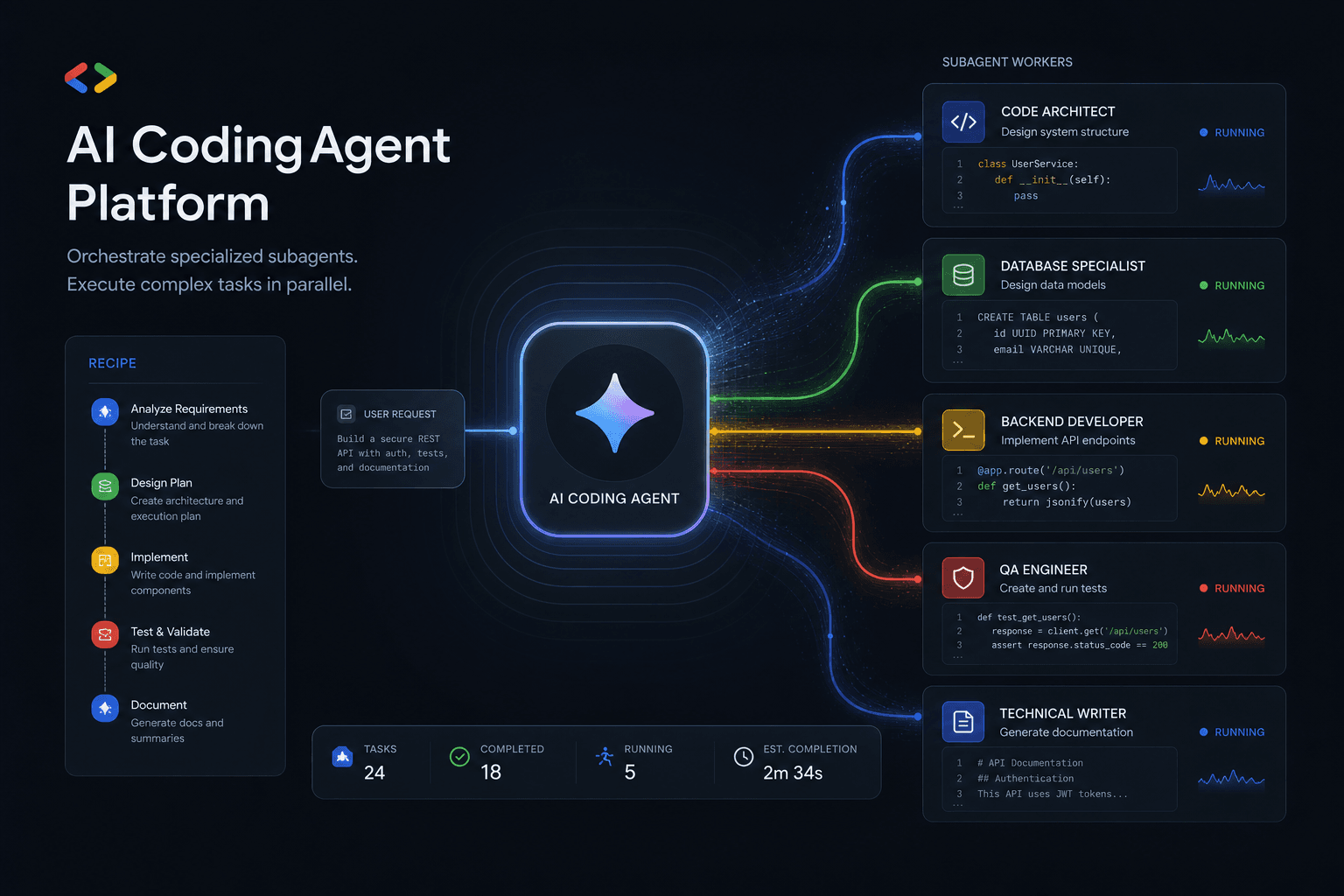
Antigravity 2.0 Subagent Recipes: How I Prompted Multi-Agent Workflows Day One
Five complete subagent recipes for Google Antigravity 2.0 that save 90+ minutes on Day One. From Friday audits to client onboarding, research briefs to migration assistants.
Claude Code Masterclass: Architecting Agentic Workflows, 1M Token Context, and The Death of Manual PR Reviews
Master Claude Code in this definitive 2026 guide. Discover how to use Opus 4.6, multi-agent teams, 1M token context, and automated PR reviews to radically scale your development workflows.

Google Antigravity Agents: The Complete Blueprint to Multi-Agent Orchestration and Enterprise Automation
The complete blueprint for deploying Google Antigravity multi-agent teams integrated with n8n. Build self-healing workflows, autonomous SEO pipelines, and lead gen systems that operate without human intervention.




