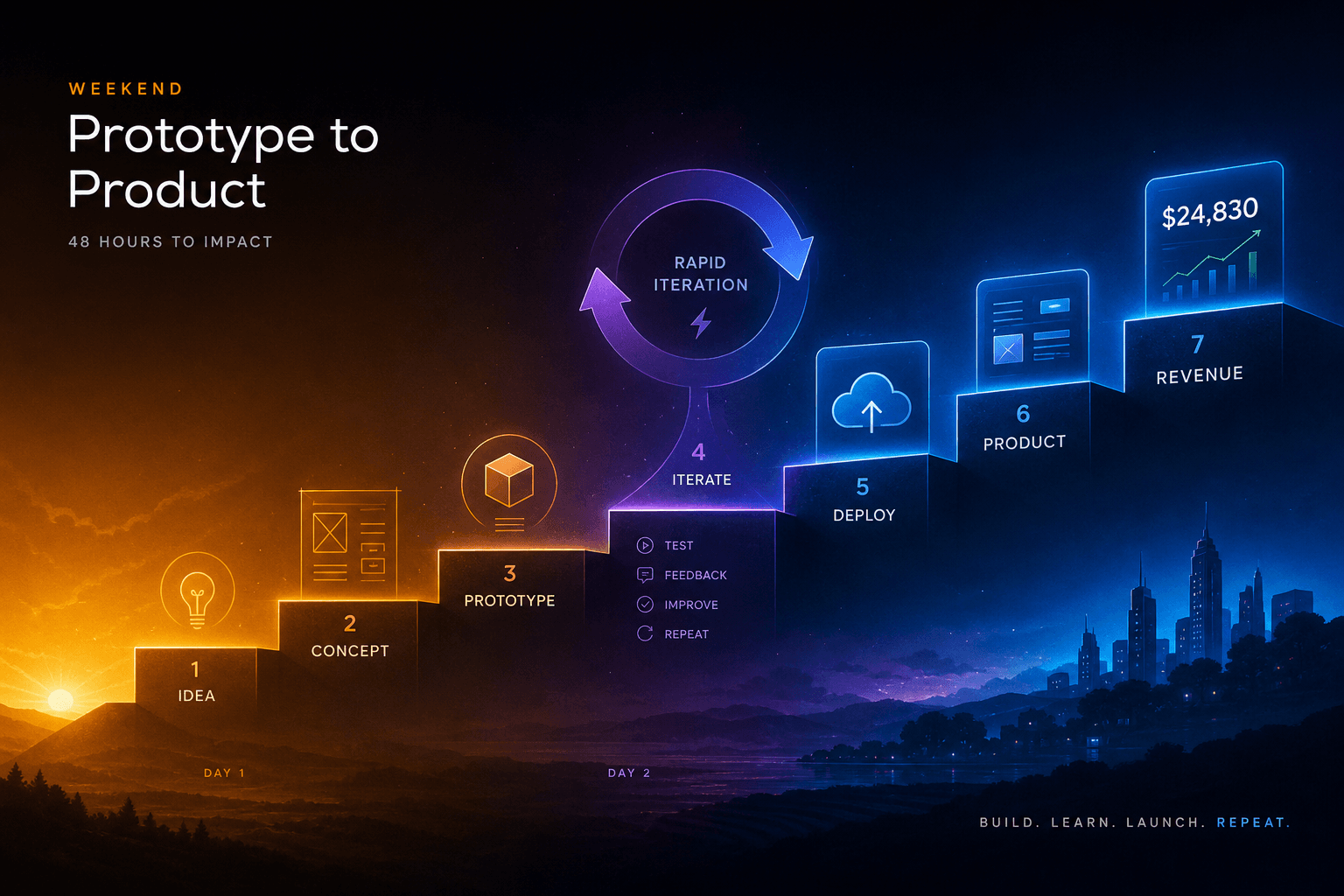
The Vibe-Code-to-Revenue SOP: Going From Idea to Deployed App in One Weekend with AI Studio + Antigravity

Table of Contents
The Vibe-Code-to-Revenue SOP: Going From Idea to Deployed App in One Weekend with AI Studio + Antigravity #
The Weekend Outcome You're Aiming At #
By Sunday 6 PM you will have: a deployed application at a custom domain, a Stripe checkout that accepts real payments, a Git repository in your account, and a one-paragraph launch post ready to send. This is not a tutorial about learning to code. This is a production handoff SOP for builders who treat weekends as ship windows.
The workflow is simple: Google AI Studio for rapid prototyping and vibe-coded iteration, Antigravity 2.0 for production hardening and multi-agent orchestration, Cloud Run for zero-ops deployment, and Stripe for same-day monetization. What changed at I/O 2026 is the integration between these tools. The export path from AI Studio to Antigravity now preserves prompts, tool schemas, and project structure. Cloud Run deployment is one click from Antigravity. Workspace integrations give you auth and data without backend boilerplate.
This SOP is built for velocity. Every hour has a deliverable. Every checkpoint has a go/no-go criteria. If you miss a checkpoint, you cut scope rather than extend the weekend. The goal is shipped, not perfect.
Why This Wasn't Possible Until I/O 2026 (and Now Is) #
Before May 2026, the path from prototype to production was fractured. AI Studio was a sandbox. You could vibe-code a working demo in an afternoon, but extracting that code meant manually copying files, losing prompt context, and rebuilding the project structure in your IDE. Antigravity existed but lacked the AI Studio bridge. Cloud Run required writing Dockerfiles and gcloud commands. Firebase integration meant reading three separate documentation sites and guessing at the correct SDK versions.
What shipped at Google I/O 2026 changes the handoff:
- Workspace integrations: AI Studio agents can now call Google Workspace APIs directly—read Gmail threads, create Calendar events, generate Slides decks from Drive documents. This eliminates the "build auth first" tax that killed most weekend projects.
- One-click Cloud Run deploy: From Antigravity, containerization and deployment to Cloud Run are handled by agent. You write zero YAML. You touch zero Dockerfiles.
- Native Antigravity export: AI Studio projects export with prompts, tool schemas, and conversation history intact. Antigravity imports this as a project scaffold with the correct dependencies already mapped.
- Firebase in the loop: Firestore, Auth, and App Check are now configurable directly from the AI Studio → Antigravity workflow. The database layer that used to take a day now takes an hour.
The unlock is integration. Each tool was good alone. Wired together, they form a continuous pipeline from idea to revenue.
Pre-Weekend Setup (30 Minutes Friday Night) #
Friday night setup determines Saturday morning speed. Spend 30 minutes now to eliminate friction when you're building.
| Check | Task | Why It Matters |
|---|---|---|
| ☑️ | Confirm Google Cloud billing is enabled | AI Studio and Cloud Run require an active billing account. A suspended account kills momentum. |
| ☑️ | Create or verify your Stripe account | You'll need test mode keys Saturday afternoon and live keys Sunday evening. Set this up now. |
| ☑️ | Store API keys in password manager | Stripe test key, Stripe webhook secret, Google Cloud service account key. Label them clearly. |
| ☑️ | Choose your domain or subdomain | Decide now: yourapp.com or yourapp.yourdomain.com. Sunday deployment requires this decision. |
| ☑️ | Clear 8-hour blocks for both days | Saturday 8 AM–4 PM with lunch. Sunday 10 AM–6 PM with breaks. Protect the time. |
| ☑️ | Pick your backup idea | If your first idea fails the 4-question filter, you switch immediately. No mourning. |
The password manager step is non-negotiable. You will be copying API keys into multiple environments. If you hunt for them during the flow, you break state. Store them now with clear labels: stripe_test_sk, stripe_live_sk, stripe_webhook_secret, gcp_service_account.
The Idea Filter (8 AM Saturday) #
Not every idea deserves a weekend. Apply this 4-question filter at 8 AM. If your idea fails 2 of 4, switch to your backup immediately.
| Question | Passing Criteria | Why It Filters |
|---|---|---|
| Solves a real problem you have | You personally experience this pain weekly | You understand the problem space. You won't need customer research. |
| Sells to humans you can reach | You know 10+ people who would pay for this today | Distribution beats product. If you can't reach buyers, you can't validate. |
| Defensible-enough for 30 days | No billion-dollar incumbent will clone and crush you this month | You're buying time to build audience, not moat. |
| Fun enough to finish | You're genuinely curious about building this | Weekend projects die when the builder loses interest. Pick something you want to see exist. |
Example passing ideas:
- A specialized calculator for your industry that handles regulations you know by heart
- A personal dashboard that aggregates data from 3 services you use daily
- A micro-SaaS that automates a workflow you currently do manually in a spreadsheet
Example failing ideas:
- "The Uber for X" requiring network effects to function
- A general-purpose project management tool competing with Notion
- Anything requiring regulatory approval or enterprise sales cycles
The goal is shipped and paid, not venture-backed. Pick small, pick personal, pick reachable.
Prompt Engineering for AI Studio Vibe Coding (the 3 Templates That Work) #
Vibe coding in AI Studio succeeds or fails on prompt structure. These three templates are battle-tested for rapid iteration.
Template 1: The Opening Prompt #
Use this for the first build of your core feature:
Build a [TYPE OF APP] using [FRAMEWORK].

Core functionality:
- [FEATURE 1: one sentence]
- [FEATURE 2: one sentence]
- [FEATURE 3: one sentence]

Technical requirements:
- Single-page application, no routing needed
- Mobile-responsive with Tailwind CSS
- Dark mode default
- Firebase Auth for Google sign-in
- Firestore for data persistence

Design direction:
- [2-3 adjectives: clean, minimal, playful]
- [Reference: similar app or aesthetic]
- Primary color: [HEX or named color]

Success criteria: A stranger could land on this page, understand what it does in 10 seconds, and complete the core action without confusion.
Template 2: The Iteration Prompt #
Use this when refining after the first working version:
Current state: [brief description of what's built]

The problem: [specific friction or missing element]

What to change:
- [CHANGE 1: specific, measurable]
- [CHANGE 2: specific, measurable]

What to keep:
- [PRESERVE 1: don't break this]
- [PRESERVE 2: don't break this]

Show me the diff view if possible, or mark changed sections with comments.
Template 3: The "Fix the Ugly Part" Prompt #
Use this when something works but looks unprofessional:
This [COMPONENT/PAGE] functions correctly but looks amateur.

Specific issues:
- [VISUAL ISSUE 1: e.g., "buttons are different sizes"]
- [VISUAL ISSUE 2: e.g., "typography hierarchy is flat"]
- [VISUAL ISSUE 3: e.g., "spacing feels random"]

Reference quality: [Dribbble shot, award site, or specific app]

Keep all current functionality. Only change styling and layout.
The discipline rule: Never add features until the current feature is shippable. Shippable means a stranger could use it without asking questions.
Hour 1–2 (10 AM–12 PM) — The First Working Loop #
Your goal by noon: a clickable, end-to-end happy path. This means a user can land on your app, understand what it does, and complete one valuable action.
10:00 AM: Open AI Studio. Create a new project. Select Gemini 3.5 Flash as your model—it's 4x faster than frontier models with frontier-class quality, and the free tier is generous enough for a weekend build.
10:15 AM: Write your Opening Prompt (Template 1). Be specific about your one core action. If you're building a habit tracker, the core action is "log a habit completion." If you're building a quote generator, the core action is "generate and copy a quote." Resist the urge to add secondary features.
10:30 AM–11:30 AM: Iterate with AI Studio. Each iteration should take 2–5 minutes. You're looking for:
- The core action works without errors
- Mobile layout doesn't break
- Loading states exist (no blank screens)
- Error states exist (no crashes on bad input)
11:30 AM: The discipline checkpoint. Ask yourself: "Could a stranger pay me for this right now?" If yes, stop adding features. If no, fix the blocker. Do not add feature #2 until feature #1 is monetizable.
11:45 AM: Document what you built. Write one sentence describing the current functionality. Save this—you'll need it for the Stripe integration and the launch post.
Lunch break. Step away from the screen. Let your subconscious process the build.
Hour 3 (12–1 PM) — Deploy to Cloud Run with One Click #
12:00 PM: In AI Studio, click Export → Open in Antigravity. This is the I/O 2026 integration that makes the weekend possible. What transfers:
- Your system prompts and tool configurations
- Project structure and dependencies
- Conversation history for context
- Firebase/Workspace integration settings
12:10 PM: Antigravity opens with your project scaffolded. Open the integrated terminal and run the install command:
npm install12:15 PM: Start the dev server to verify the local build:
npm run devTest your core action in Antigravity's built-in browser. Confirm it works identically to AI Studio.
12:30 PM: Deploy to Cloud Run. In Antigravity's agent panel, prompt:
Deploy this project to Google Cloud Run with a production configuration.

Requirements:
- Use Cloud Run's managed platform (no Kubernetes)
- Enable auto-scaling: min 0, max 10 instances
- Set memory to 512MiB and 1 vCPU
- Configure environment variables from .env.local
- Use the custom domain: [YOUR DOMAIN]
- Enable HTTPS by default

Generate the deployment configuration and execute the deploy.
Antigravity's agent will:
- Create a
Dockerfileoptimized for Cloud Run - Generate
cloudbuild.yamlor usegcloudcommands - Build and push the container image
- Deploy the service with your specified configuration
- Map your custom domain and configure SSL
Common issues and fixes:
| Issue | Fix |
|---|---|
| Build fails on dependency resolution | Delete node_modules and lock file, reinstall with npm install |
| Container starts but health checks fail | Add explicit PORT environment variable set to 8080 |
| Custom domain mapping fails | Verify DNS A/AAAA records point to Cloud Run IPs |
| Environment variables not loading | Check that .env.local keys match what the code expects |
12:55 PM: Verify deployment. Visit your custom domain. Confirm the core action works in production. If it does, you're deployed. If not, debug for 5 minutes, then cut scope rather than extend.
1:00 PM: Lunch. You've shipped to production before 1 PM on Saturday.
Hour 4–5 (2–4 PM) — Wire Stripe and Real Auth #
2:00 PM: Configure Firebase Auth. In Antigravity, prompt:
Add Google OAuth authentication to this app.

Requirements:
- Use Firebase Auth for sign-in
- Show "Sign in with Google" button on landing page
- After sign-in, show user avatar and name in header
- Protect the core action route: require auth
- Store user ID in Firestore for data ownership
Firebase Auth through AI Studio/Workspace integration is pre-configured. You primarily need to enable the Google provider in Firebase Console and add your domain to authorized domains.
2:30 PM: Set up Stripe integration. Create a Checkout Session endpoint. In Antigravity:
Add Stripe Checkout integration for one-time payments.

Requirements:
- Create a /create-checkout-session API route
- Accept a price ID from the client
- Create Stripe Checkout session server-side
- Redirect customer to Stripe hosted checkout
- On success, return to /success page
- On cancel, return to /cancel page
- Use test mode keys for now

Include proper error handling and logging.
3:00 PM: Create your Stripe product and price:
- Go to Stripe Dashboard → Products
- Click "Add product"
- Name it: [Your App] - [Access Tier]
- Set price: $5–$50 for a weekend MVP (start low, validate demand)
- Copy the Price ID (looks like
price_1ABC...)
3:15 PM: Wire the frontend. Add a "Get Access" or "Upgrade" button that calls your /create-checkout-session endpoint with the price ID. Test in Stripe's test mode using card number 4242 4242 4242 4242, any future date, any CVC.
3:45 PM: Verify end-to-end:
- Visit your deployed app
- Sign in with Google
- Click purchase button
- Complete Stripe test checkout
- Return to success page
- Confirm Firestore shows the purchase record
4:00 PM: If this works, you have monetization. The app accepts real money. If it doesn't, debug for 15 minutes, then simplify—maybe you start with a free tier and manual upgrade rather than automatic checkout.
Hour 6 (4–5 PM) — Export to Antigravity #
You already opened the project in Antigravity, but now you finalize the handoff.
4:00 PM: Initialize Git. In Antigravity's terminal:
git init
git add .
git commit -m "Initial MVP: [one-line description]"
4:10 PM: Create a GitHub repository. In Antigravity:
Create a GitHub repository for this project and push the current code.

Repository name: [your-app-name]
Private repository
Add README with project description
Include the tech stack: React, Firebase, Stripe, Cloud Run
4:20 PM: Review the exported state. Confirm these items transferred correctly from AI Studio:
| Element | Status | Check |
|---|---|---|
| System prompts | Preserved in src/config/prompts.ts or similar |
☑️ |
| Tool schemas | Preserved in src/config/tools.ts or similar |
☑️ |
| Firebase configuration | In .env.local and firebase.ts |
☑️ |
| Dependencies | Listed in package.json |
☑️ |
| Core functionality | Works in Antigravity dev server | ☑️ |
4:30 PM: Run the production hardening audit. Prompt Antigravity:
Run a production readiness audit on this codebase.

Check for:
- Hardcoded secrets or API keys in source
- Missing error boundaries in React components
- No loading states on async operations
- Missing OG tags for social sharing
- No robots.txt or sitemap.xml
- Console.log statements that should be removed
- Any TODO comments that indicate unfinished work

Generate a prioritized fix list. Focus on items that would embarrass me in a Product Hunt launch.
4:45 PM: Address critical issues. Pick the top 3 from Antigravity's audit that are 5-minute fixes. Do them now. Defer the rest to Sunday.
5:00 PM: Saturday wrap. You have: deployed app, working auth, Stripe integration, Git repo, and a clean Antigravity workspace. Step away. Let it settle.
Saturday Night Rest. Sunday Morning Distance #
Do not work Saturday evening. The most important thing you can do is create mental distance from the build. When you return Sunday morning, you'll see gaps you were blind to Saturday afternoon.
Over coffee Sunday, think about:
- Pricing: Is $5 right? Would you pay $10? $20? Don't optimize, but consider.
- Audience: Who are the 10 people you'll message directly today? Write their names.
- Launch post: One paragraph. What problem did you solve? What changed for the user?
Sleep on the build. Sunday you'll harden, polish, and launch.
Hour 7–8 (10 AM–12 PM Sunday) — Antigravity Hardening Pass #
10:00 AM: Return to Antigravity. Open your project. Before touching code, review the audit list from Saturday. Prioritize:
- Error states: Every async operation needs a catch. Every form needs validation feedback.
- OG tags: Social sharing is your distribution.
og:title,og:description,og:imagemust be set. - Analytics: Add Plausible or Google Analytics. You need to know if anyone visits.
- Sitemap: Generate
sitemap.xmlfor SEO. - Accessibility: Run Lighthouse. Fix contrast issues. Add aria labels to buttons.
10:15 AM: Deploy the "Performance Hawk" subagent from the Antigravity 2.0 recipes guide. Prompt:
Run a comprehensive production hardening pass as a subagent.

Scope:
- Add comprehensive error boundaries to all routes
- Implement proper loading states for all data fetching
- Generate OG tags with dynamic content
- Create sitemap.xml and robots.txt
- Add Plausible Analytics script (privacy-friendly)
- Run Lighthouse audit and fix accessibility issues
- Verify all buttons have proper focus states
- Test keyboard navigation through core flow

Time limit: 90 minutes. Prioritize user-facing issues over code elegance.
Let Antigravity's subagent work. While it runs, prepare your launch materials.
11:30 AM: Review the hardening changes. Accept the improvements. Reject anything that over-complicates. Deploy the updated build:
# In Antigravity terminal
git add .
git commit -m "Production hardening: error states, OG tags, analytics"
git push origin main

# Then prompt the deployment agent
Redeploy to Cloud Run with the hardened build.
12:00 PM: Verify the hardened deployment. Run through the full flow: landing → auth → core action → payment → success. Confirm analytics fire. Check OG tags with Facebook Sharing Debugger.
Hour 9 (1–2 PM) — The Launch Post + The First 10 Users #
1:00 PM: Write your launch post. Structure:
I built [APP NAME] this weekend because [PROBLEM YOU EXPERIENCED].

It [CORE ACTION] so you can [OUTCOME].

Try it: [LINK]

Built with: [3-4 technologies, mention AI Studio + Antigravity]

DM me if it breaks or if you want [RELATED FEATURE].
Example:
I built HabitSum this weekend because I was tired of habit apps that
require 10 clicks to log one workout.

It lets you track habits with one tap and shows your streaks without
clicking through menus.

Try it: https://habitsum.app

Built with: AI Studio, Antigravity 2.0, Firebase, Stripe, and too
much coffee.

DM me if the auth breaks or if you want an export feature.
1:15 PM: Identify your first 10. These are not Twitter followers. These are people you can message directly—friends, colleagues, Discord members, Slack channels. Write their names in a list. Personal outreach outperforms aggregator launches 10x at this stage.
1:30 PM: Send 10 personalized messages. Template:
Hey [NAME],

I built something this weekend that solves [SPECIFIC PROBLEM THEY HAVE].

[LINK]

Would you try it and tell me what breaks? I need 5 minutes of honest feedback.
Customize every message. Mention something specific about them. No bulk sends.
2:00 PM: Post publicly. Twitter, LinkedIn, relevant subreddits, Indie Hackers. But prioritize the 10 personal messages. Direct outreach converts. Aggregator posts are lottery tickets.
The Sunday 6 PM Audit #
6:00 PM: The ship checkpoint. Answer honestly:
| Question | Answer | Action |
|---|---|---|
| Is it deployed at a custom domain? | Yes / No | If no, deploy now or extend to 8 PM |
| Does the core action work for a stranger? | Yes / No | If no, fix the blocker or cut scope |
| Can someone pay me through Stripe? | Yes / No | If no, add manual payment or extend |
| Is the Git repo clean and documented? | Yes / No | If no, 15-minute README pass |
| Did 10 people try it? | Yes / No | If no, send more DMs tonight |
The "good enough for Monday" rule: If 3 of 5 are yes, you ship. If not, identify the one cut that gets you to 3 yeses. Maybe you drop Stripe and go free for week 1. Maybe you skip the custom domain and use the Cloud Run default URL. Ship something.
From Weekend Win to Monthly Revenue #
One weekend gets you launched. The next 30 days determine if this becomes revenue.
Week 1: Fix and listen
- Ship 2 bug fixes based on the first 10 users
- Talk to 3 users on video calls
- Watch analytics daily
Week 2: Pricing test
- If free: add Stripe and charge $5
- If $5: test $10 or $15
- Measure conversion rate, not just revenue
Week 3: Distribution
- Write one post about why you built this
- Share the build process (AI Studio workflow screenshots)
- Post on relevant communities
Week 4: Kill or scale decision
- If 10+ paying users: double down, add features they request
- If 0–2 paying users: pivot the positioning or kill the project
- If 3–9 paying users: extend the experiment one more month
The compound effect: Weekend projects that survive month 1 often become $500–$2,000/mo side income by month 6. The ones that die die because the builder stopped iterating, not because the idea was bad.
FAQ: AI Studio to Antigravity Production Handoff #
Q: Do I need to know how to code to use this workflow? #
A: Basic coding literacy helps, but you don't need to be a professional developer. The AI Studio → Antigravity workflow handles most implementation details. You need to understand enough to describe what you want, recognize when something is broken, and follow error messages to fixes. If you can write clear prompts and read basic JavaScript or Python, you can execute this SOP. Complete beginners should expect a learning curve on Day 1—plan for a 3-day weekend on your first attempt.
Q: What does the AI Studio export to Antigravity actually transfer? #
A: The export preserves your system prompts, tool schemas, conversation history, project structure, and Firebase/Workspace configurations. It does NOT transfer browser state, localStorage data, or in-progress file uploads. Code files transfer as scaffolded projects with dependencies mapped. Custom styling transfers as CSS/Tailwind. The export creates a production-ready starting point, not a finished product—you still need to harden, test, and deploy.
Q: Can I use this workflow with frameworks other than what AI Studio scaffolds? #
A: Yes, but you'll need to guide the handoff manually. AI Studio defaults to React/Next.js for web apps, but you can prompt for Vue, Svelte, Angular, or vanilla frameworks. When exporting to Antigravity, explicitly state your framework preference in the prompt. The Antigravity agent can scaffold any modern JavaScript framework, but React has the most mature tooling in the AI Studio → Antigravity pipeline.
Q: How much does Cloud Run cost for a small launched app? #
A: Expect $0–$10/month for a side project with under 1,000 daily users. Cloud Run bills by request and compute time. A minimal React app on the free tier handles significant traffic. Costs scale with:
- Concurrent requests (rarely hit limits under 10k users)
- Memory allocation (512MiB is plenty for most MVPs)
- Cold starts (min 1 instance eliminates this for ~$3/month)
Budget tip: Start with min 0 instances. If cold starts frustrate users, upgrade to min 1.
Q: Is Stripe Checkout fast enough to wire in 90 minutes? #
A: Yes, if you scope correctly. Stripe Checkout is specifically designed for rapid integration. You create a session server-side, redirect to Stripe's hosted page, and handle the webhook return. The complexity comes from:
- User authentication state management
- Webhook signature verification
- Post-purchase provisioning
Keep your first version simple: one product, one price, immediate access after payment. Advanced features like tiered pricing, usage billing, or subscription management require more time.
Q: What if my idea needs a database—does this workflow handle that? #
A: Firestore is fully integrated into the AI Studio → Antigravity workflow. For most weekend MVPs, Firestore provides:
- Real-time data sync
- Automatic scaling
- Built-in security rules
- Offline support
If you need relational data (Postgres, MySQL), add a Cloud SQL instance. The Antigravity agent can scaffold Prisma or Drizzle ORM connections. Plan an extra hour for relational setup.
Q: Can I do this whole flow on a free tier? #
A: Almost entirely, yes. Google AI Studio has a generous free tier for Gemini 3.5 Flash. Cloud Run has a free tier covering most side projects. Firebase Spark plan covers auth and small Firestore usage. Stripe has no monthly fee—you pay per transaction.
The one cost: A custom domain (~$12/year). You can skip this initially and use the free Cloud Run URL, but a custom domain significantly improves credibility for payments.
Q: What's the most common reason this weekend SOP fails? #
A: Scope creep kills more weekend projects than technical blockers. Builders hit Hour 2 with a working core action, then decide to "just add" a settings panel, then a user profile, then admin dashboards. By Hour 6, nothing works.
The discipline: Stop adding features when the core action works. A single-feature app that takes payments beats a 10-feature app that crashes. Follow the checkpoint rule: if a stranger couldn't pay you right now, fix that before adding anything else.
Q: How do I handle user data and privacy in a weekend build? #
A: Firebase Auth and Firestore provide production-grade security with minimal configuration. Enable these in Firebase Console:
- App Check: Prevents abuse and verifies requests come from your app
- Security Rules: Default rules deny all access; explicitly open only what users need
- Data encryption: Firestore encrypts at rest by default
For GDPR/CCPA compliance weekend builds: Add a privacy policy (use a generator), enable data export in Firebase Console, and document what you collect in your README. Full legal compliance requires professional review, but these steps cover the basics for a weekend MVP.
Q: Can I migrate from AI Studio's free tier to a production API later? #
A: Yes, the migration requires no code changes. AI Studio prototypes use the same Gemini API as production. When you're ready to scale:
- Get a Gemini API key from Google AI Studio settings
- Replace the client-side calls with server-side API calls
- Use your own API key instead of the free tier
Your prompts, schemas, and logic transfer directly. The only change is who's paying for the tokens—you instead of Google.
Want a custom version of this SOP for your specific niche or stack? I build AI-automated workflows for founders who ship every weekend. Book a 30-minute AI automation strategy call and I'll map this exact playbook to your product and audience.
Related reading:
- Google I/O 2026: 9 Things Builders Should Actually Do This Week — The announcement context that made this workflow possible
- Antigravity 2.0 in Practice: 5 Subagent Recipes That Earn Their Keep on Day One — The hardening recipes referenced in Hour 7–8
- The Complete AI Coding Assistant Showdown — Where AI Studio and Antigravity fit in the broader coding assistant landscape
Related Posts
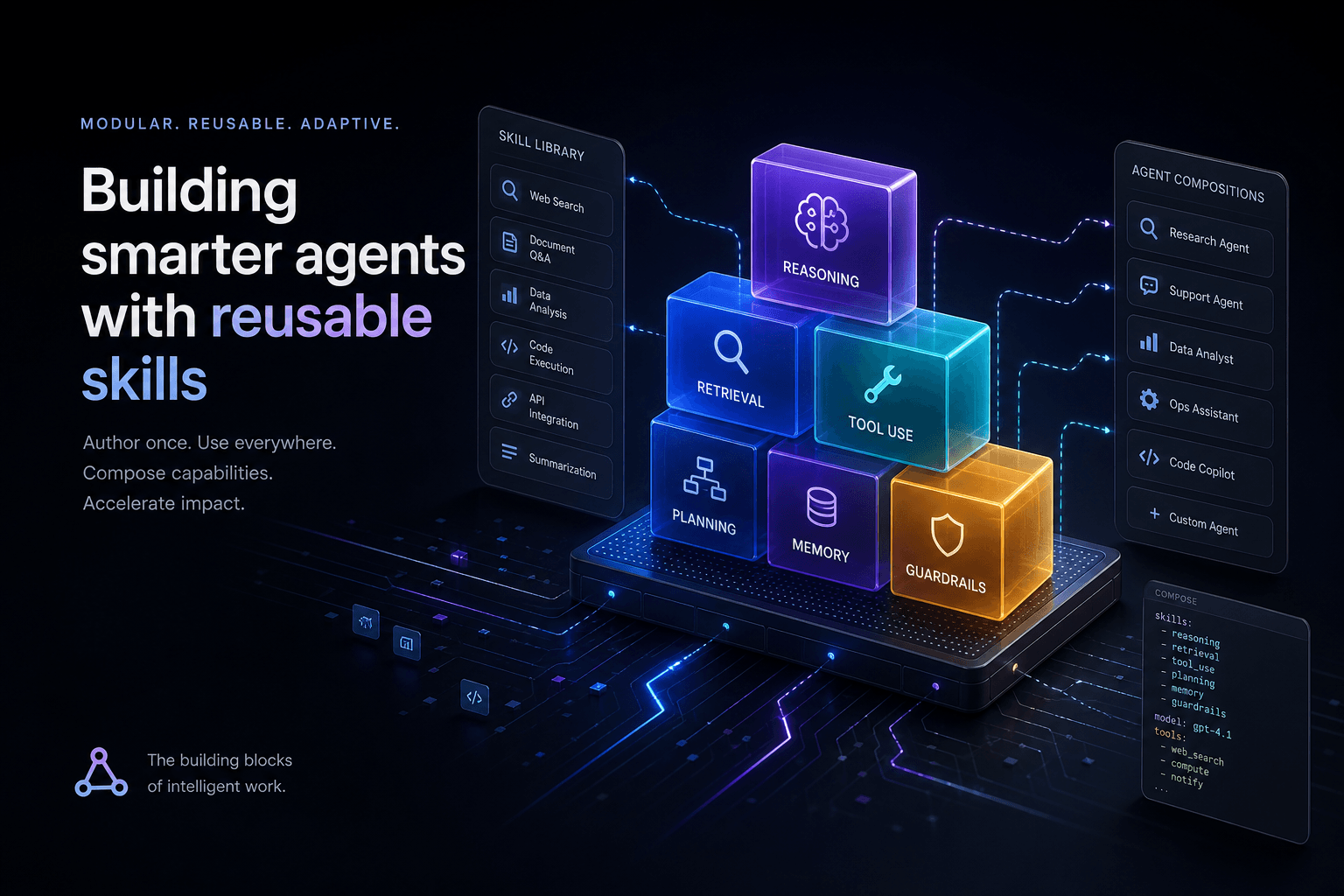
Claude Code Skills: The Complete Authoring Guide
The definitive guide to authoring Claude Code Skills. Learn how to build reusable agent capabilities that save hours and standardize quality across your projects.
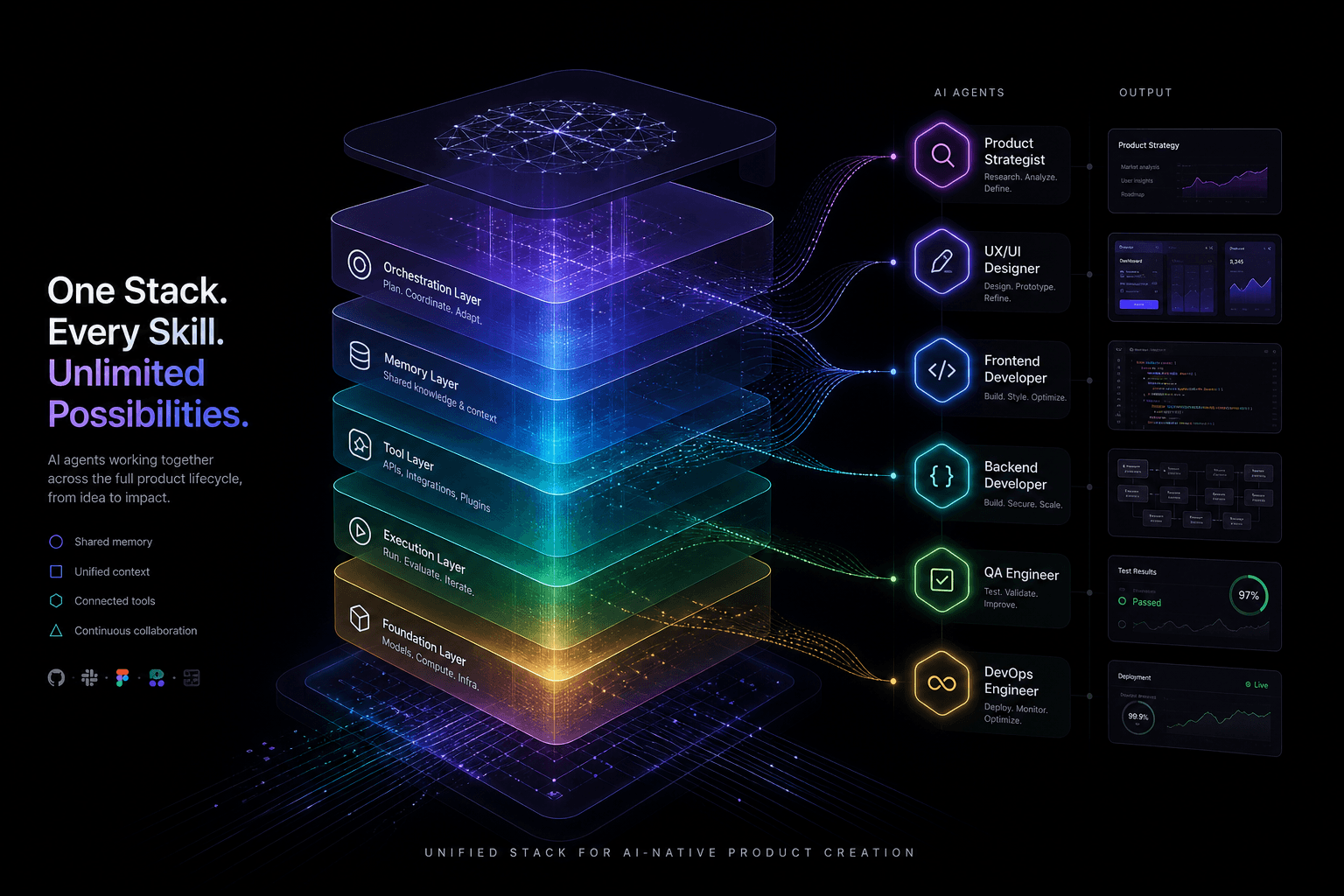
The Agentic Design Stack in 2026: Claude Code, Codex, AI Studio, Antigravity, Cursor, and Stitch Compared
The complete 2026 agentic stack comparison: which AI agent to reach for based on the job—design, build, review, or coordinate.
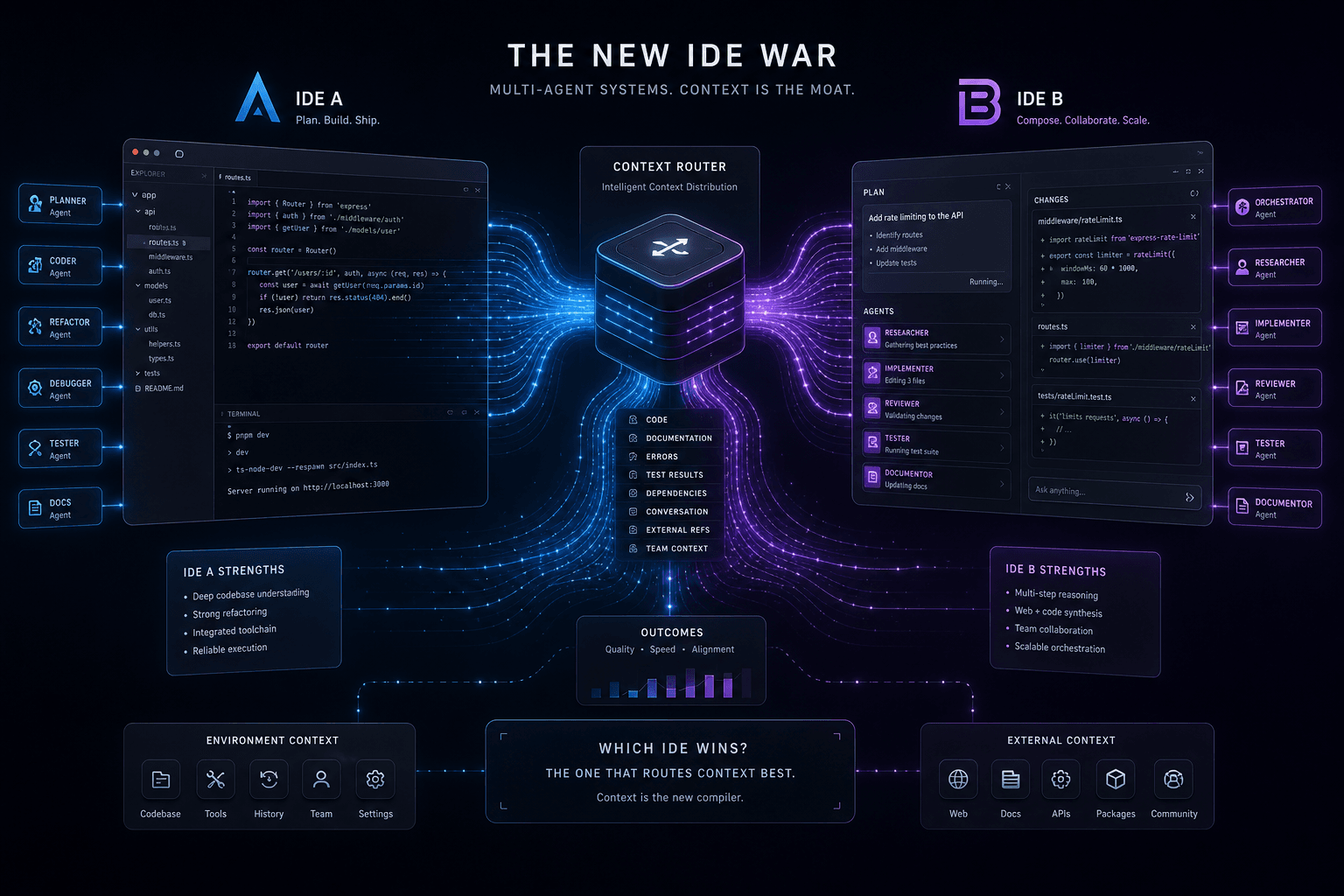
Antigravity vs. Claude Code: The Multi-Agent IDE Decision Framework for Context-Heavy Builds
The definitive 2-way decision framework for choosing between Google Antigravity and Claude Code on context-heavy builds. When to dump everything vs. scope tightly, and which tool handles browser-use, multi-agent orchestration, and handoffs better.